
Download from GitHub
Open the Xenia Canary releases page and download the build from the official source.
experimental emulator build
Xenia Canary is an experimental Xenia build used to test newer fixes and compatibility changes. This guide covers the official Xenia Canary download source, a controlled setup with Xenia Manager and a safe rollback path.
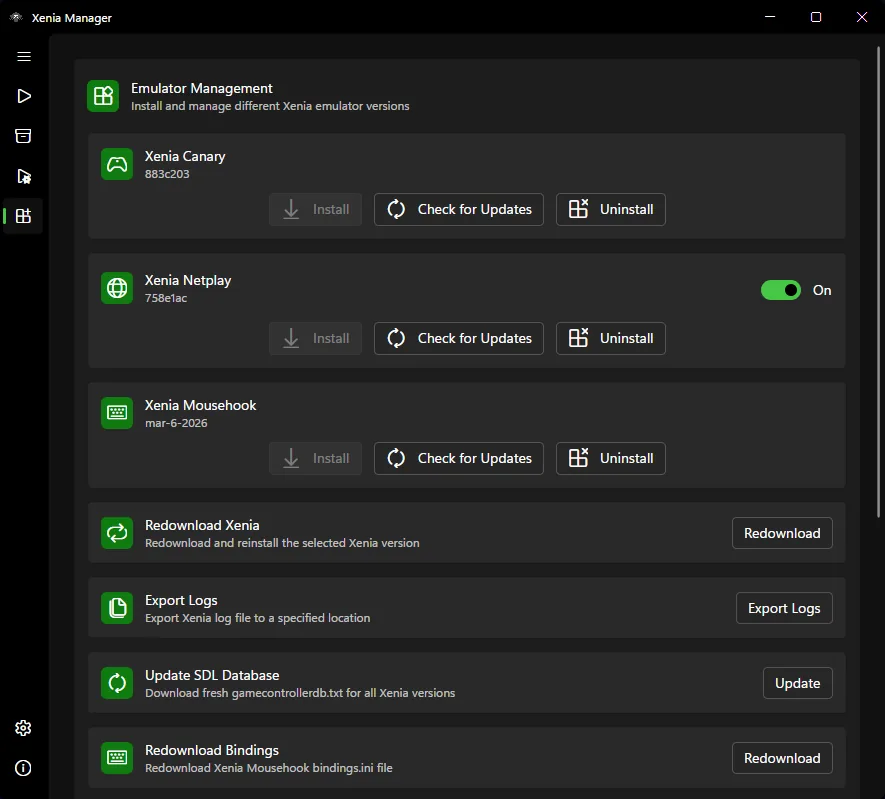
| Xenia Manager | A manager interface for builds, library entries, patches, saves and configuration workflows. |
|---|---|
| Xenia Canary | An experimental emulator build, separate from Xenia Manager. |
| Stable Xenia path | Better when you want fewer changes and simpler troubleshooting. |
| Canary path | Better when a game needs a newer fix or a guide specifically recommends Canary. |
source check
Use the Xenia Canary GitHub releases page for the current experimental emulator build. Do not download Canary from pages that bundle game files or promise guaranteed compatibility. Canary changes more often than stable builds, so release history and issue context are important. Keep the Xenia Canary download source visible, compare each Xenia Canary download against release notes, and record which Xenia Canary download you tested.
Many users arrive at this page after searching xenia canary, xenia canary download, xenia canary emulator or xenia vs xenia canary. Those searches are usually about choosing the right emulator build, not replacing Xenia Manager. You can use Xenia Manager to organize the workflow while choosing which build to run.
The official release page is the freshness source for the current Xenia Canary download. Check its release notes before each test instead of relying on a stale version claim.
stable vs experimental
Stable builds are usually easier for a first setup because there are fewer moving parts. Canary builds are useful when a game needs a newer feature, renderer change, compatibility fix or patch workflow that has not reached a more conservative build. That does not mean Canary is always better. Experimental builds can also introduce regressions, different performance behavior or new configuration requirements.
A good testing pattern is simple: launch the same game in one build, note the result, then test the other build without changing several unrelated settings at once. If the game improves in Canary, document the version and settings. If it gets worse, keep the stable build available rather than fighting every setting blindly.
manager workflow
Xenia Manager can help keep the emulator workflow cleaner, but it does not make Canary risk-free. Think of the manager as a launcher and organizer, while Canary is the emulator build doing the actual execution. When you switch builds, game compatibility, patches and configuration behavior may change.
If you are troubleshooting, avoid changing build, game patch, DLC, title update and renderer setting at the same time. Change one factor, test, then record the result. This makes it easier to know whether Canary helped or whether another setting caused the difference.
rollback advice
Canary is attractive because it sounds newer, but newer is not the same as better for every game. If a title becomes slower, loses audio, shows new graphics problems, crashes earlier than before or stops loading a save that worked in another build, treat that as a signal to compare against stable Xenia again. Do not keep adding settings just because the build is experimental.
A practical rollback plan keeps the stable build folder untouched. If Canary improves one game, use it for that title and record the version. If Canary breaks another game, switch that title back to the stable build or a known working Canary version. Xenia Manager can make this workflow easier when your folders and build names are clear.
This is especially important when following old videos or forum comments. A guide may mention a Canary build that was useful at the time, but compatibility changes over months. Always compare the current release page, the compatibility report and your own test result before deciding that Canary is required.
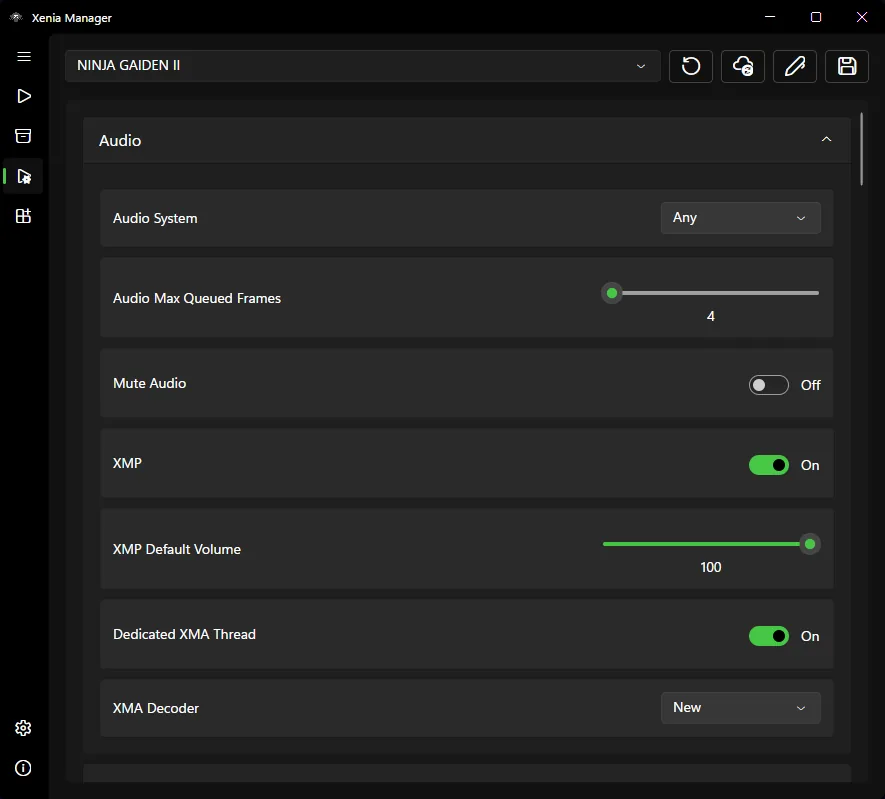
If you maintain separate game profiles in Xenia Manager, label any Canary-specific notes clearly. A setting that helped one title on one build can confuse you later if it is reused as a general default. Clear labels also help when you revisit the same game weeks later.
download notes
A Xenia Canary download is most useful when you can connect it to a specific test result. Record the Canary download page, build date, file name and the game you tested. If a later build changes behavior, these notes tell you whether the improvement came from Canary, a patch, a title update or a separate Xenia Manager setup change.
This habit also protects you from vague advice. When someone says to use Canary, ask which Xenia Canary download they tested and whether the result still matches current compatibility reports. Exact build notes are more useful than a general claim that Canary is newer.
setup steps
Open the Xenia Canary releases page and download the build from the official source.
Keep Canary in its own folder so it does not overwrite a stable emulator setup.
If you use Xenia Manager, select the Canary executable or build path according to the manager workflow.
Run a known title and compare behavior against your previous build before adding patches or DLC changes.
Keep notes when a Canary build improves or breaks a game. Version details matter when compatibility changes.
related guides
Start with the manager download page if you need the desktop utility rather than the experimental emulator build.
Open download guideLearn how compatibility reports can help decide whether Canary is worth testing for a specific game.
Read compatibility guideUse a clean first-run setup before experimenting with multiple emulator builds.
Open setup guideStart with Xenia Master when a game already boots and you need a repeatable reference. Test Canary for a documented game fix, patch or compatibility result. A newer build is not automatically a better build.
Quick verdictUse a compatible Netplay build, match game revisions and troubleshoot profiles, firewall and connection failures.
Open Netplay guideCanary FAQ
No. Xenia Canary is an experimental emulator build. Xenia Manager is a separate manager utility that can help organize emulator builds and related workflows.
Not always. Canary can contain newer fixes, but it can also introduce regressions. Test it when a game needs a specific fix or when compatibility notes point to Canary.
Use the Xenia Canary GitHub releases page. Avoid mirror pages that repackage files or include unrelated downloads.
Yes, many users manage emulator builds through Xenia Manager, but the exact workflow depends on your manager version and build paths.
No. Keep a known working build until you confirm Canary works better for your specific games.